After some time I decided to post the applications I use to make my tablet a productivity tool. After all it is the apps that make the tablet and not the other way around.
I divided my apps into 4 catagories
- Productivity
- Utilities
- Social
- Entertainment
And yes productivity in my case can be enhanced by entertainment (imagine a noisy open plan office whilst trying to do some decent low level architecture analysis) Nothing better than in-ear headphones and my favourite radio station or music collection ...
Productivity:
 |  |  |  |  |
- iThoughtsHD - it will import and export mindmaps to and from many of the most popular desktop mindmap applications and used daily by myself.
- TouchDraw - Vector drawing and diagramming with useful Libraries and great support (had some queries around connector types)
- SharePlus - Used to access content on SharePoint sites
- Quickoffice HD - office editing suite for iPad (including Office 2010)
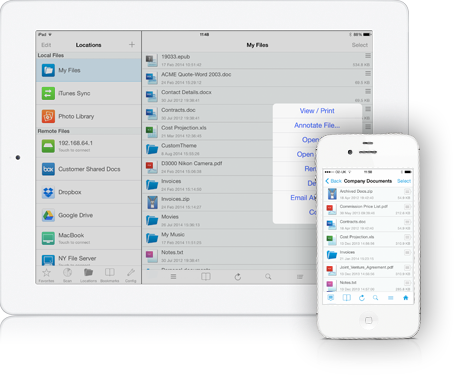
- GoodReader - A auper-robust reader for iPad (great at PDF & Office docs with great file management & multitude of connections e.g. Dropbox, Skydrive, Google Drive, SMB servers, etc.)
Other used as well
 |  |  |  |  |
- UPAD Lite - great for quick freehand notes or freehand schetching
- Evernote - The best note taking application and cross OS (from my PC to my Android phone and my iPad)
- DropBox - cloud sync for non sensitive data (I use a private cloud for sensitive data)
- OneNote - used to sync notes from Microsoft Notes (for a spesific customer in a pure Microsoft environment)
- AceProject - Keeping track of project tasks & collaborate with other teams
Most of these are used on a daily basis by myself with iThoughtsHD used for mind mapping as well as note keeping per project and assigning tasks to myself and others. GoodReader is in my mind the swiss army knive of IOS and enabled me to read most things on the iPad from local, private- or public cloud. All of them was carefully picked to enhance my productivity and still keep the data-overload era we live in catagorized and not to duplicate wherever possible.
Following posts will look into the other catagories of applications I use.